
This article provides instructions for connecting your Frame.io account to Socialive. Integrating Frame.io with Socialive allows you to send Socialive recordings directly to a folder in Frame.io.
Socialive recordings sent to Frame.io can be accessed in Workfront by integrating Frame.io with Workfront. This workflow helps accelerate and streamline the video reviewing process. Learn more about this workflow on Adobe.
To connect Frame.io to Socialive, you need to:
Have a Frame.io account
Be an Administrator in your Socialive account
Have upgraded to Frame.io v4
Adding Frame.io as an Integration
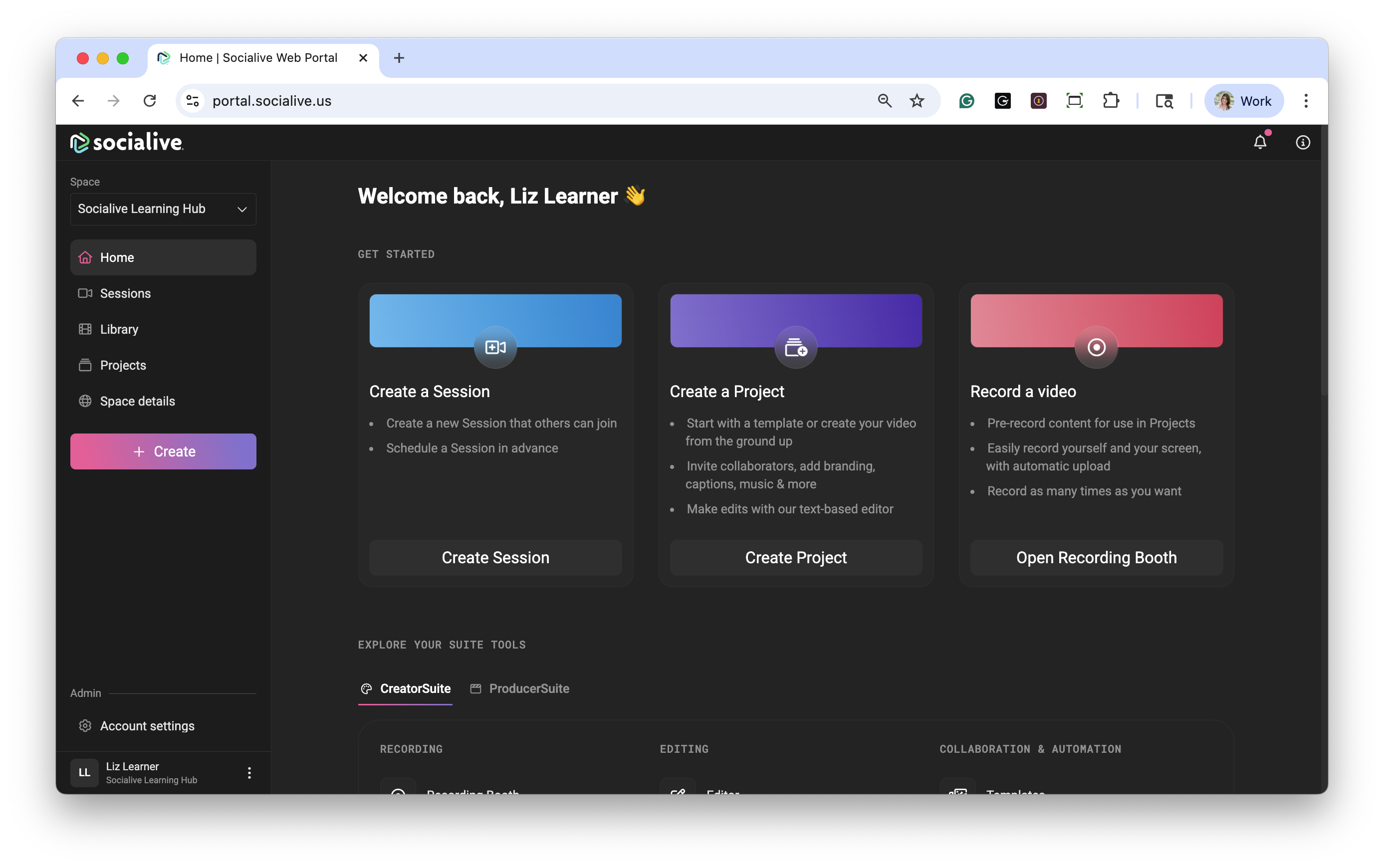
Click Account settings.
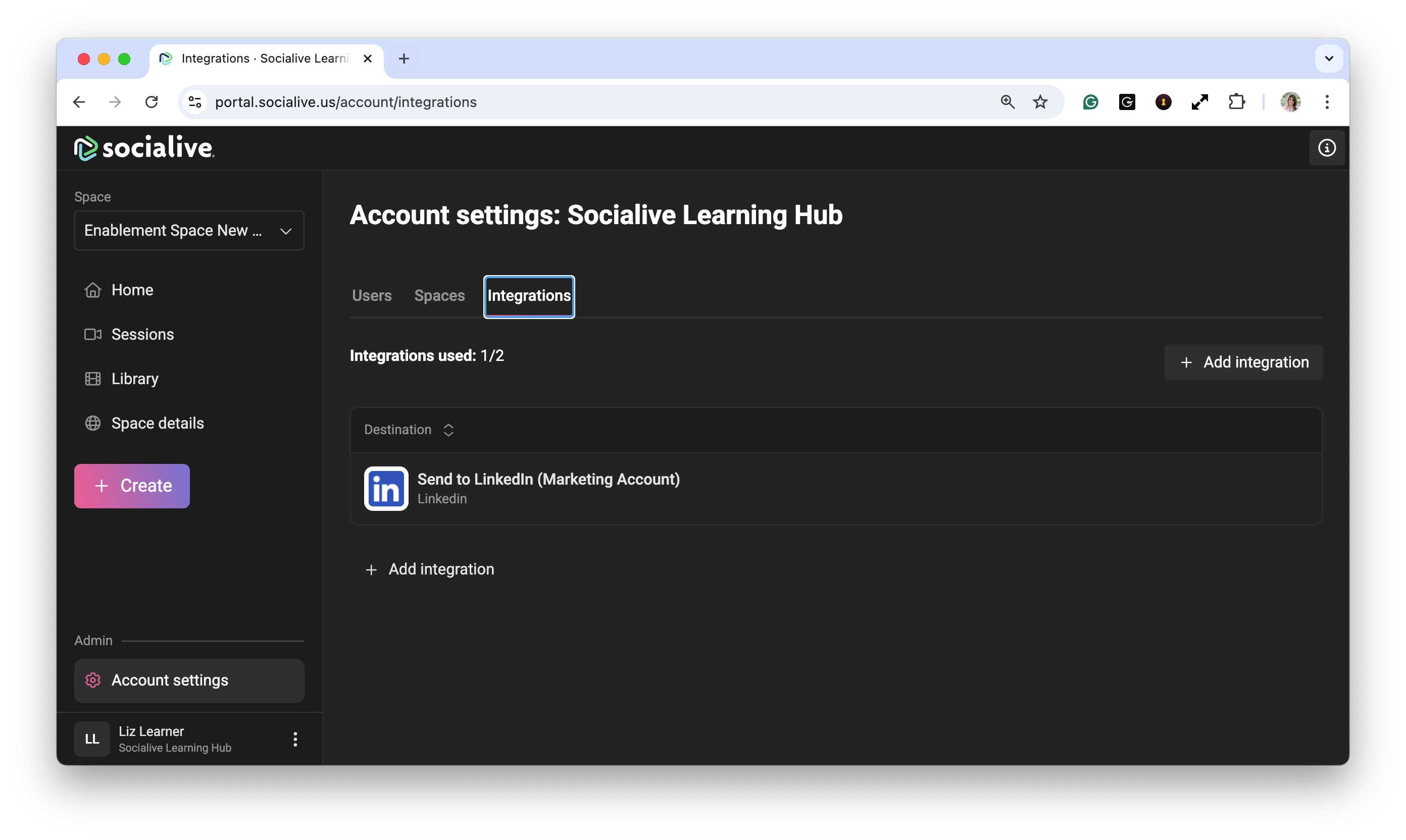
Click Integrations.
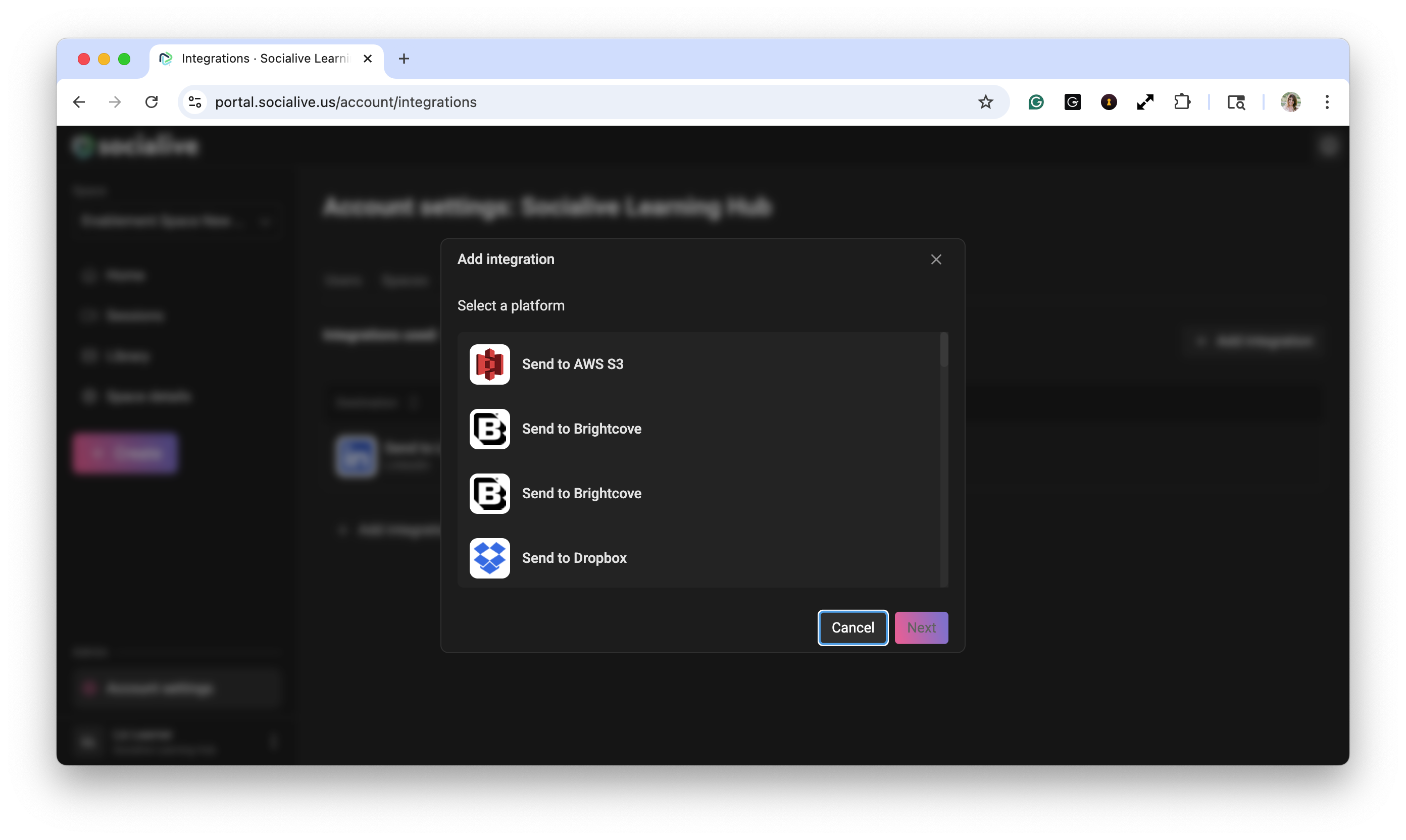
Click Add Integration.
Click Frame.io V4
Give the integration a name (or use the default one) and click Save. Giving each integration a specific title may be helpful when creating integrations of the same type for different departments. For example, “Send to Marketing Frame.io” versus the default “Send to Frame.io.”
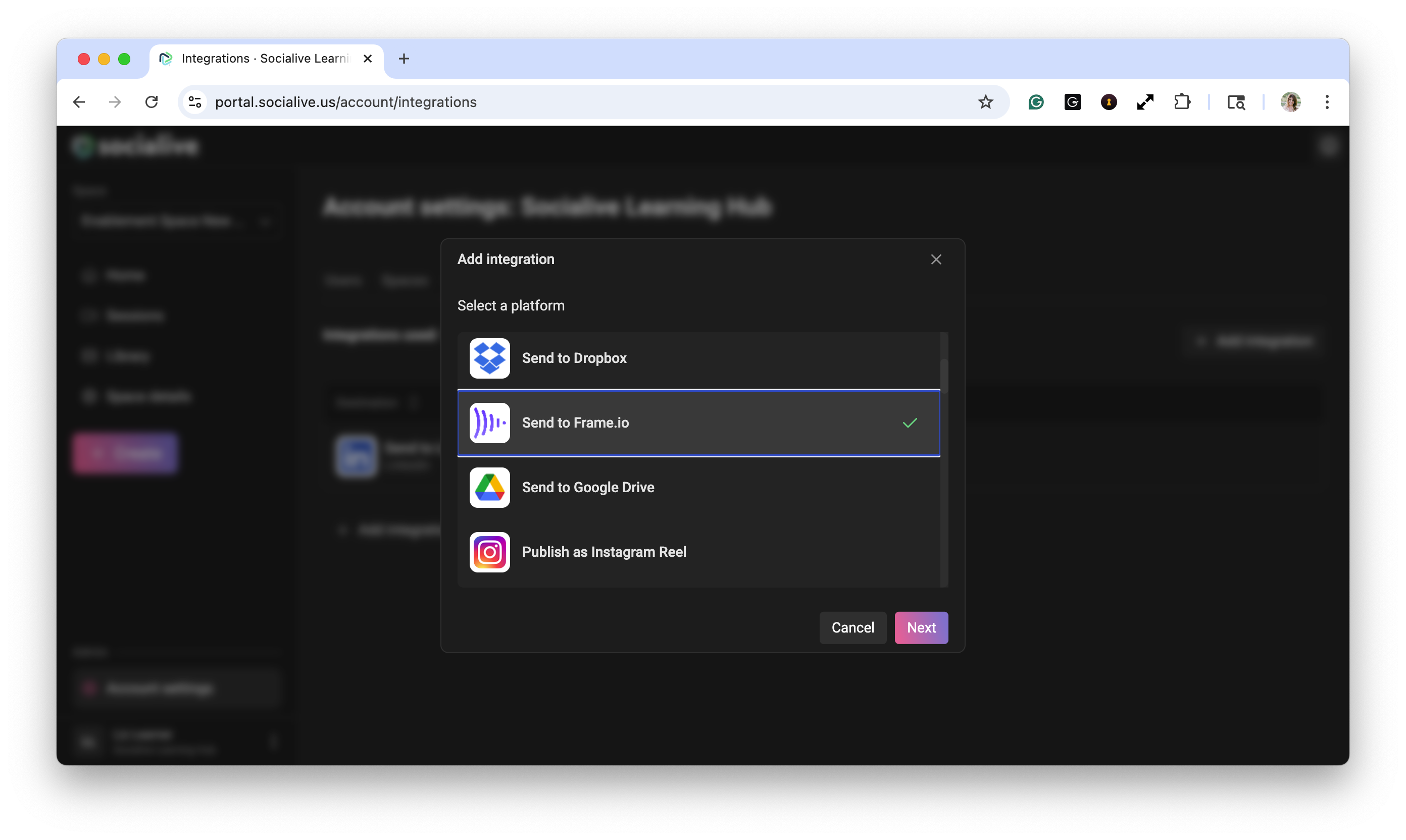
Click Next.
Enter a name for your new authentication.
You will be prompted to sign in with your Frame.io credential
Enter the target folder's path. In Frame.io, open an existing folder or create a new folder within the project where you want Socialive recordings to be uploaded. Copy and paste the last part of the URL of the target folder "https://next.frame.io/projects/<projectID>/<FolderID>"; this is the ID of the folder.
Enter the Frame.io account ID. In Frame.io, when you first log in, copy and past the last part of the URL containing the account id, e.g. https://next.frame.io/?a=<AccountId>. Note: You may need to log out and log back in to make the account ID appear in the URL
Click Finish to complete the setup. Now you can send Socialive recordings to Frame.io.
Sending Recordings to Frame.io
Follow the steps in the article to send recordings to Frame.io. When you send recordings to Frame.io:
Make sure you have enough allocated storage space before sending your recordings.
You will receive email notifications when the upload is completed. The email will provide a link to the player page in Frame.io.
The upload time to Frame.io is quick. However, additional time may be needed for the video to process in Frame.io. The upload process can be viewed on the player page.
Still, looking for an answer?
Contact Socialive Support via live chat, email at support@socialive.us, or submit a support ticket.